

Sim Challenge: The Lowdown (IFR)
|
Getting your Trinity Audio player ready...
|
Sim Challenge: The Lowdown (IFR)
A simulator is the perfect place to practice judgment, timing, and managing workload when the pressure is on. Our Sim Challenges make it easy to get a good workout—at home—using Microsoft Flight Simulator or X-Plane. Along the way, you’ll answer thought-provoking questions and learn from an expert’s real-world insights.
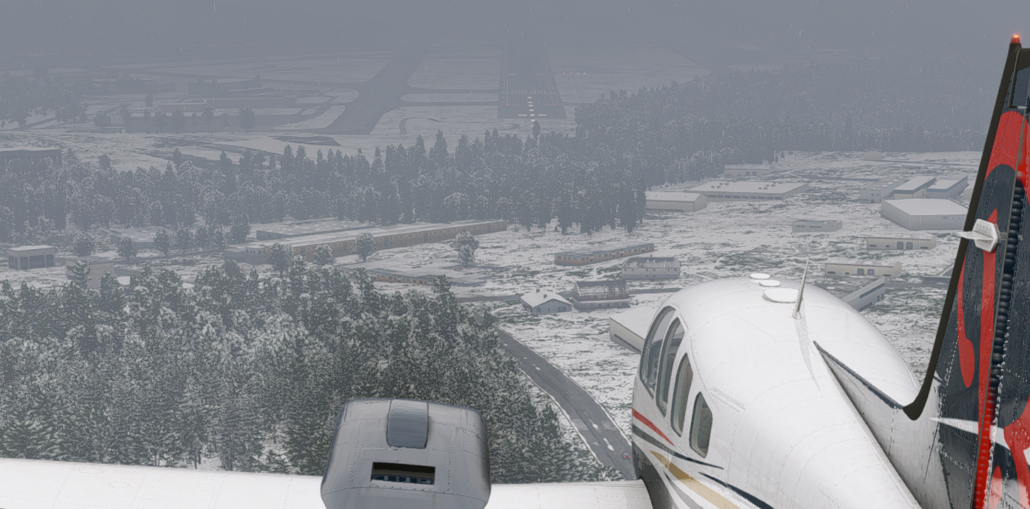
In this month’s challenge, a short winter flight in Vermont from Rutland (KRUT) to Burlington (KBTV) packs in an IFR procedures workout. It’s also a first-hand look at what cold temperatures can do to your altimeter (and what to do about it).
Take the Challenge!

Lee Smith is an ATP-rated pilot, flight instructor, and software engineer in Maryland who enjoys bridging the gap between flight operations and technology. With a background in corporate aviation and over a decade of experience supporting flight procedure design and analysis, he brings both cockpit experience and engineering insights to complex IFR topics. Lee's work has appeared in IFR Magazine, IFR Refresher, Aviation Safety, and AOPA. He also writes The Logical Skies available at LogicalSkies.Substack.com exploring why the aviation system works the way it does.
Latest posts by Lee Smith (see all)
- What Lies Beneath the MDA - June 25, 2026
- Sim Challenge: Trusting the Wrong Glidepath - June 23, 2026
- Sim Challenge: The Lowdown (IFR) - February 3, 2026

The challenge does not describe temperature correcting DA.
Good scenario, and well-written text to teach the cold restricted airport issue and use of the correction table.
I use the ELITE IFR simulator, and it does not use cold temperature correction like MSFS. Still, it was a very helpful review.
Enough so that I emailed my contact at Garmin Pilot asking him to look into adding automatic adjustment of the IAF/IF/FAF as required for cold temperature airports automatically (as GP should have access to the temperature from the METAR) or manually with input by the pilot. It should be simple to show the adjusted altitude on both the SmartChart as well as the standard map page.
I also found that I could not find the correction table in Garmin Pilot and took a screenshot of one and added it to my Garmin Pilot documents tab via iCloud.
Thanks for what you do and keep them coming!